Your WordPress Site Costs More Than You Think
The hosting bill is the smallest part. Plugin updates, security fixes, a slow mobile site and lost enquiries add up - here's how to see the real cost.
 Bohdan Meklesh12 Nov 2026· 6 min read
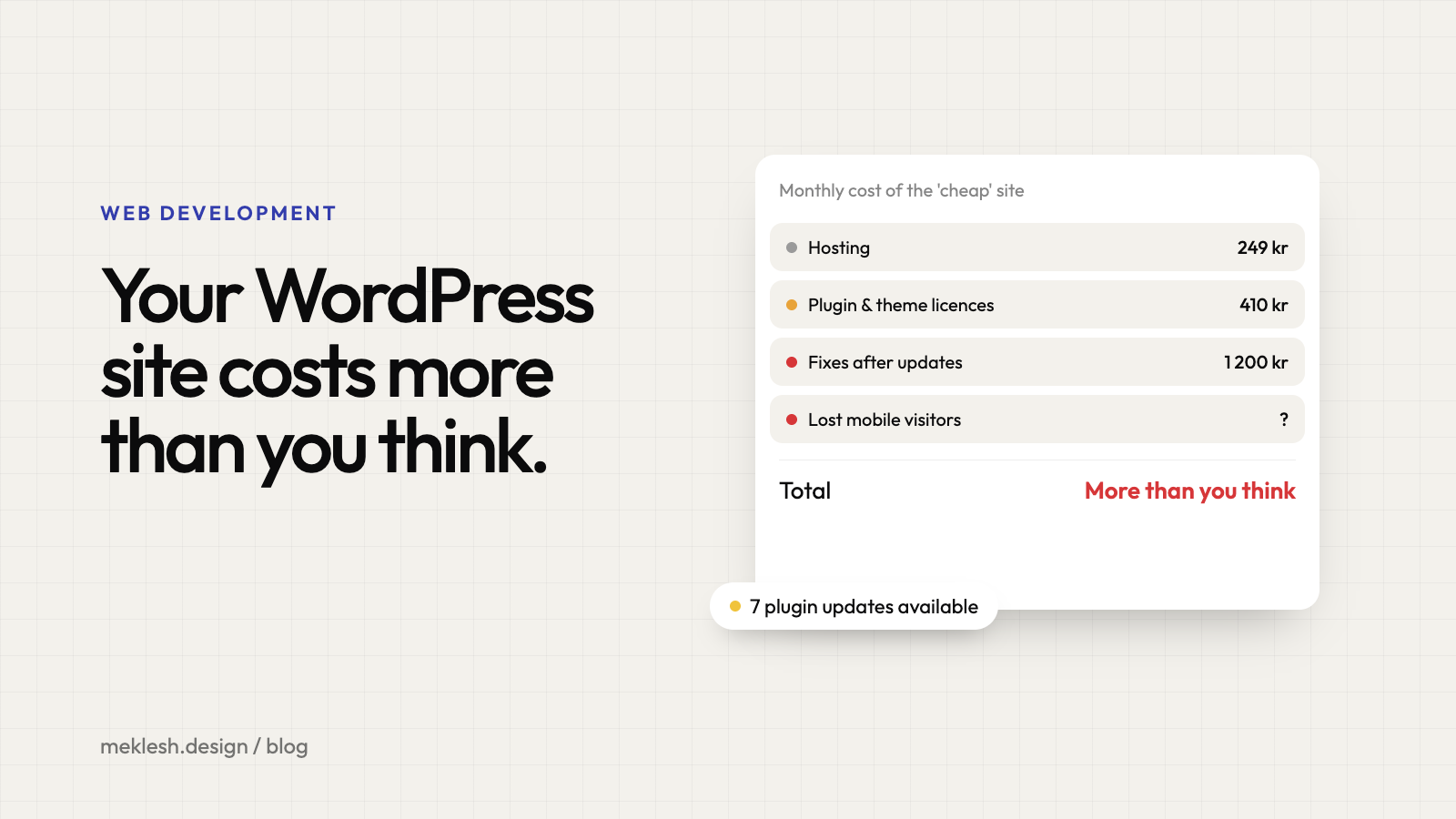
Most business owners think of their WordPress site as cheap. The hosting is a few hundred kronor a month, the theme was a one-off purchase, and the site "works". But the real cost of a website is never the hosting bill. It's everything around it.
The plugin tax
A typical small business site runs on 15 to 30 plugins: a page builder, a slider, a form, SEO, caching, security, backups, cookies, translations. Each one updates on its own schedule, and each update is a small gamble. Most of the time nothing happens. Sometimes the menu disappears on mobile, a form stops sending, or the whole site turns white on a Friday afternoon.
- Someone has to update them, every month
- Someone has to check that nothing broke
- Premium plugins and themes have yearly licences that quietly renew
Security is a part-time job
WordPress itself is reasonably safe. The risk sits in plugins and themes - and that's where security researchers report almost all new vulnerabilities every year. An abandoned plugin you installed three years ago is an open door. Cleaning up a hacked site costs far more than preventing it.
Speed costs you customers
Page builders and stacks of plugins make sites heavy. On a laptop with fibre it feels fine. On a phone on 4G it can take four or five seconds to load, and Google's own research shows that more than half of mobile visits are abandoned when a page takes longer than three seconds. You never see those people. They just don't call.
The hours nobody counts
The most expensive line isn't on any invoice: your own time. Logging in to update, emailing a developer to change a sentence, waiting days for a small fix, working around a layout you can't edit without breaking. A few hours a month is a few working days a year.
A quick way to check your site
- Open it on your phone, on mobile data. Does it feel instant?
- Count your plugins. Do you know what each one does?
- When did you last update everything - and did anything break?
- Can someone on your team change a text without help?
If two or more answers make you uncomfortable, your site is costing you more than you think.
What to do about it
You don't always need to start over. Sometimes removing half the plugins and fixing the speed is enough. But if the site is slow, fragile and hard to edit at the same time, a rebuild usually pays for itself: lower running costs, fewer surprises, and a site that loads instantly on the phone in your customer's hand. The key is doing it without losing what already works - your content and your Google rankings. That part is about planning, not luck.
Ready to stop paying for upkeep?
I rebuild WordPress sites into fast, secure websites you can still edit yourself, with no plugin updates and no surprise bills.
See how it works on the WordPress rebuild & migration page: what changes, what stays, and what you get at the end.
Or tell me about your site and I'll come back with an honest estimate.